Page 1 of 1

Screenshots Redone With Google Gemini

Unread postPosted: Tue Jan 20, 2026 11:32 pm
by ENR3005
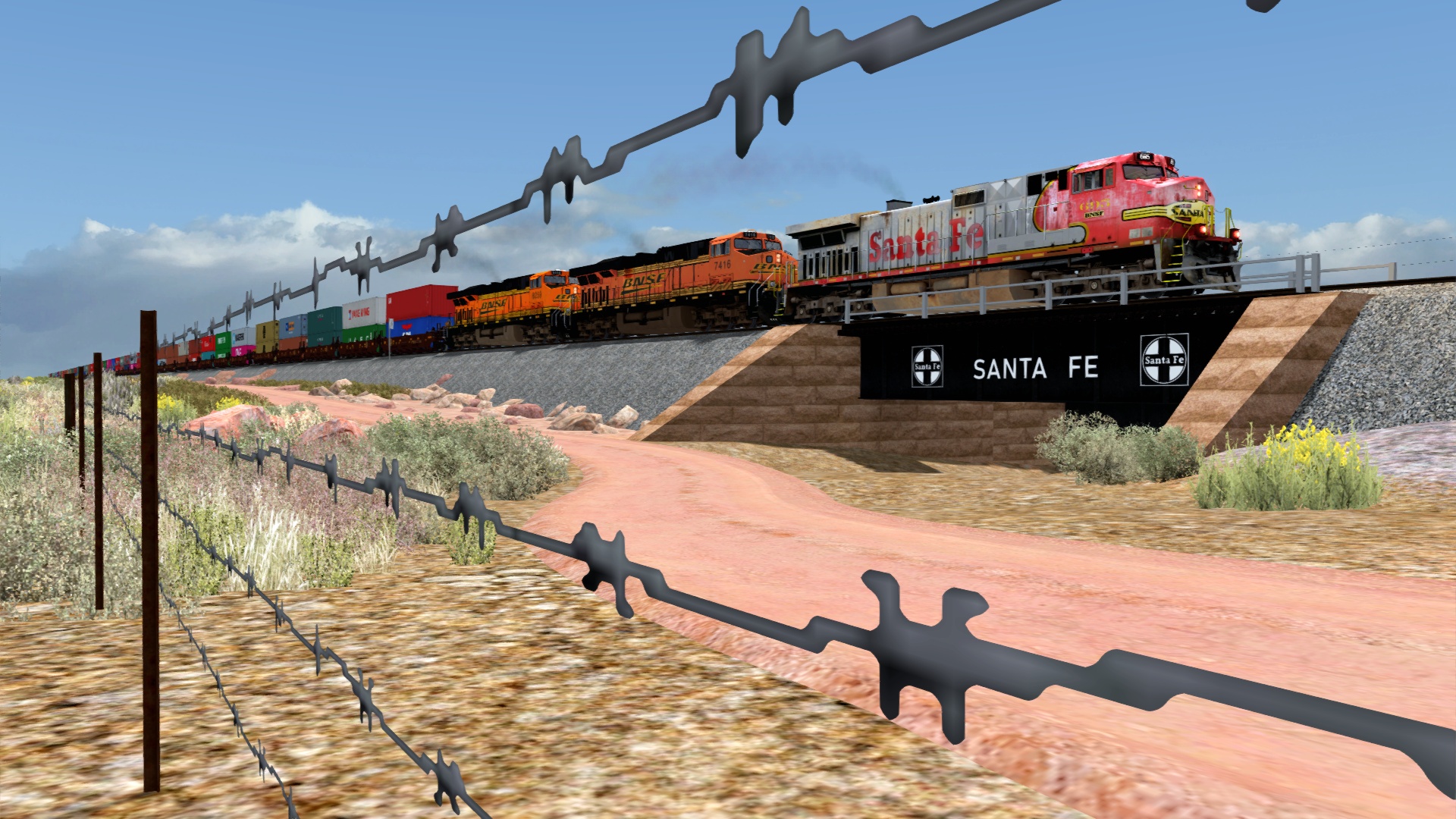
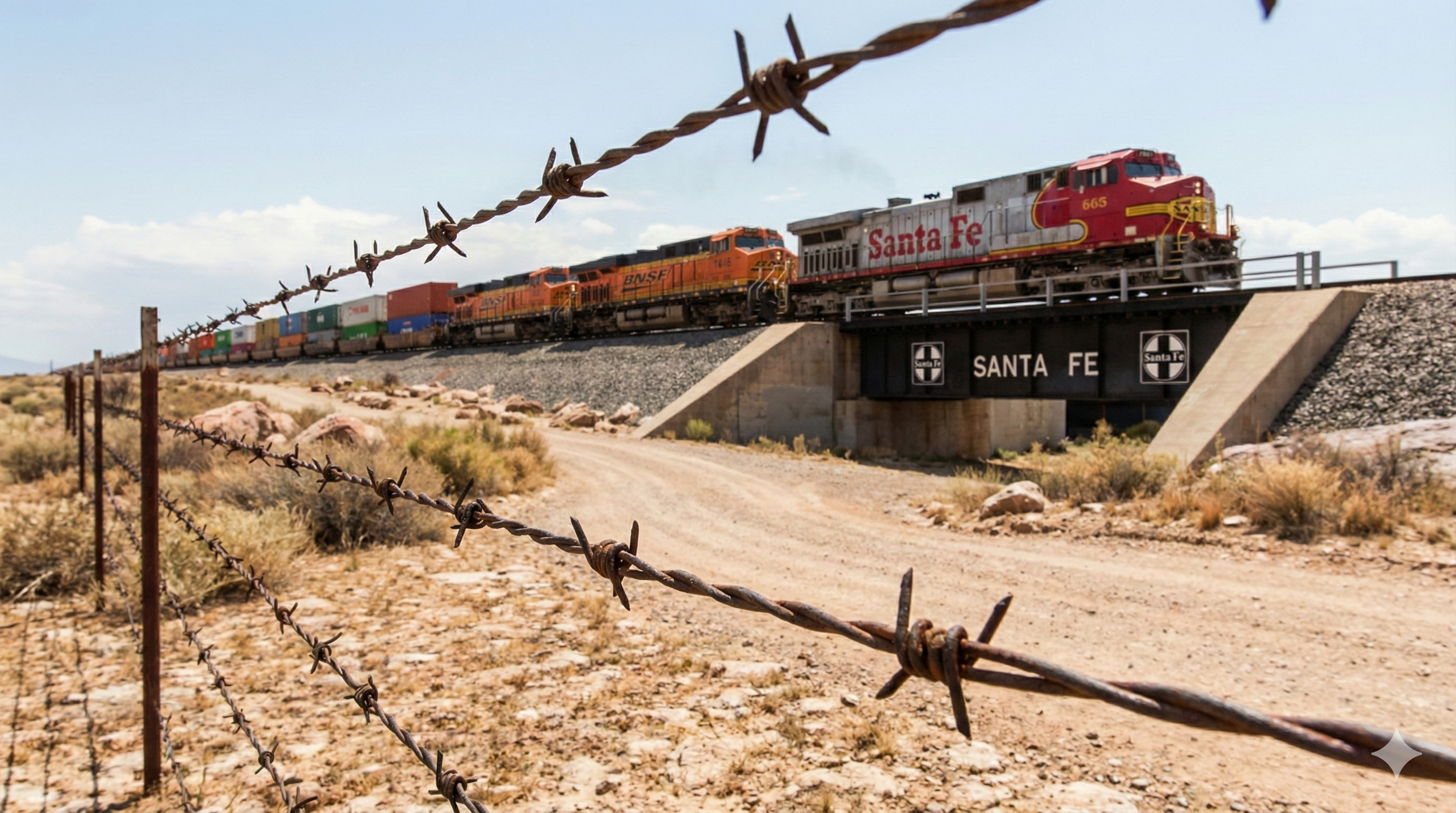
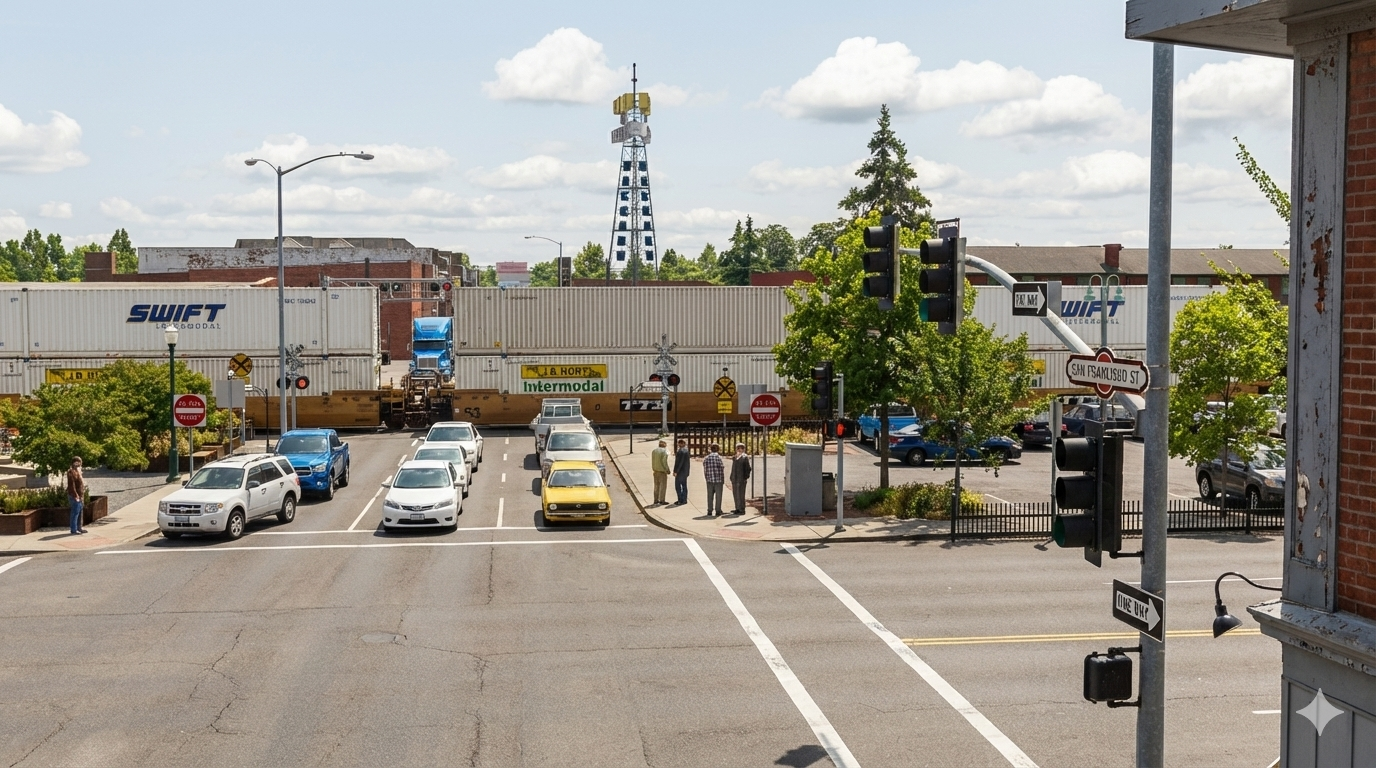
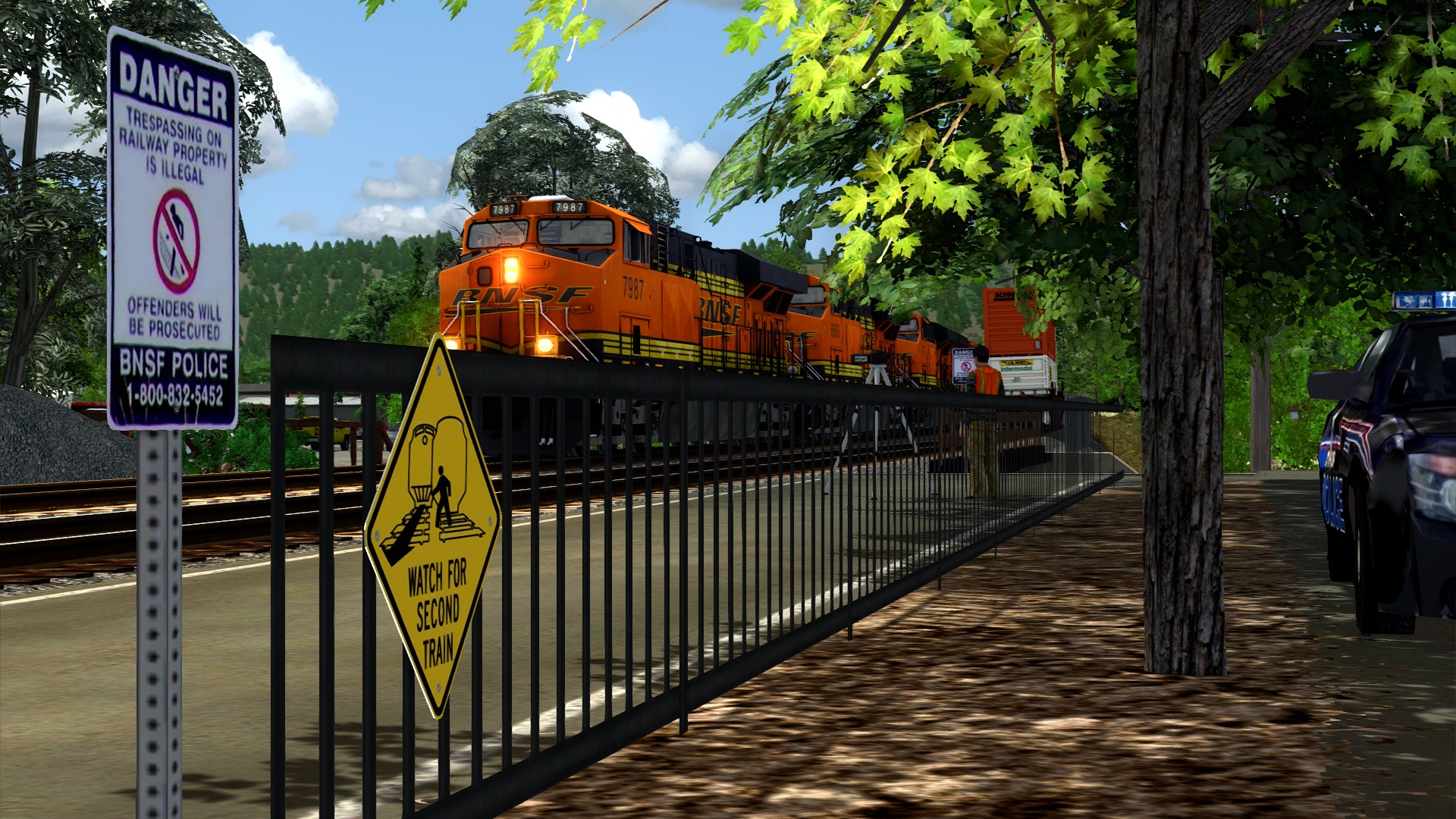
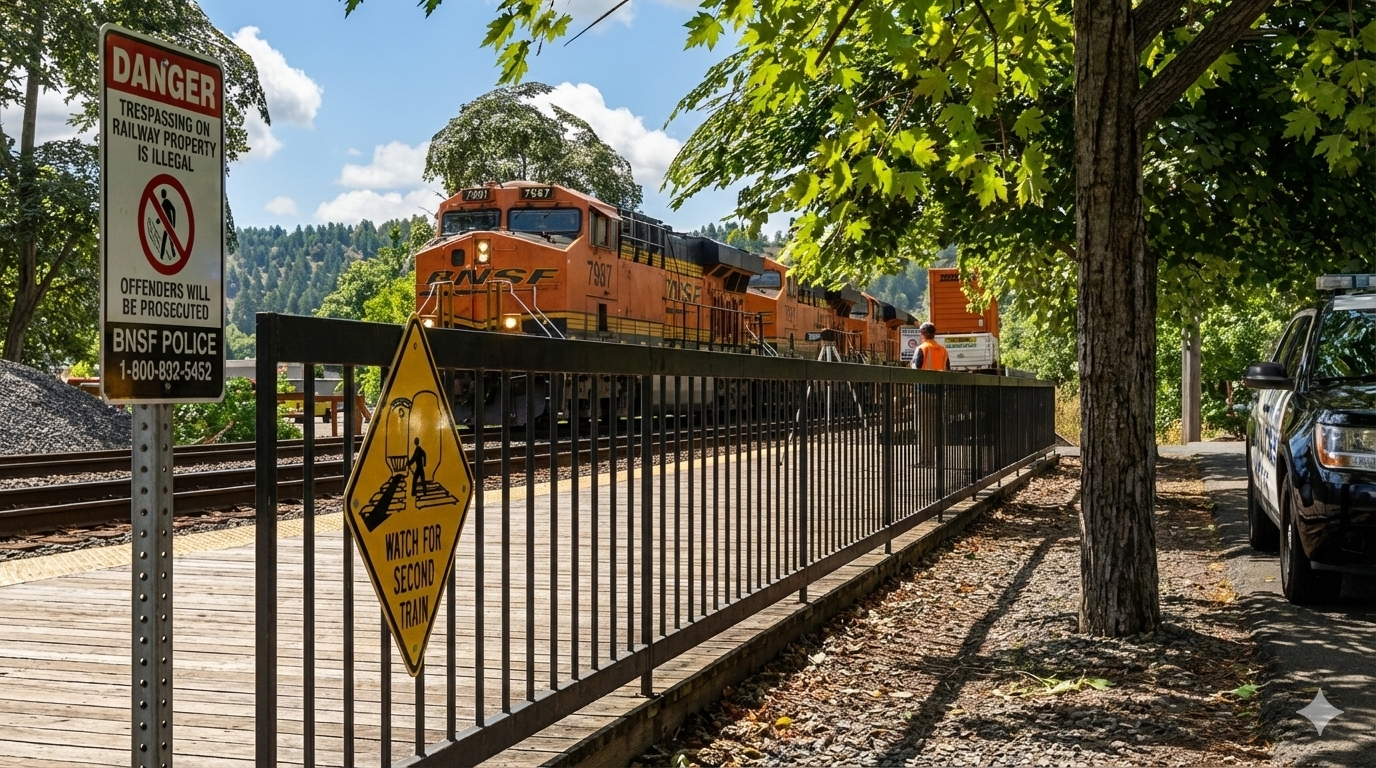
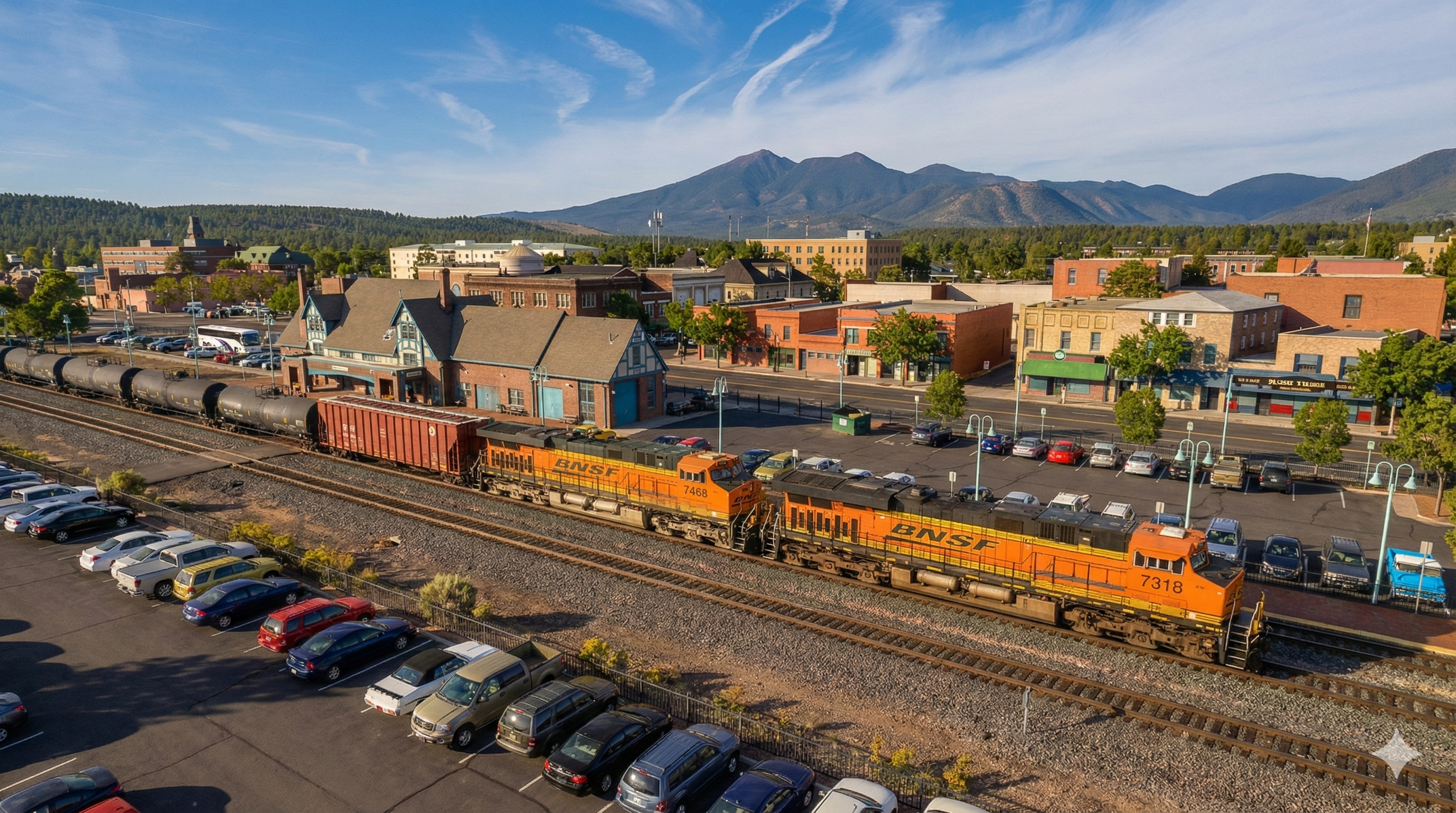
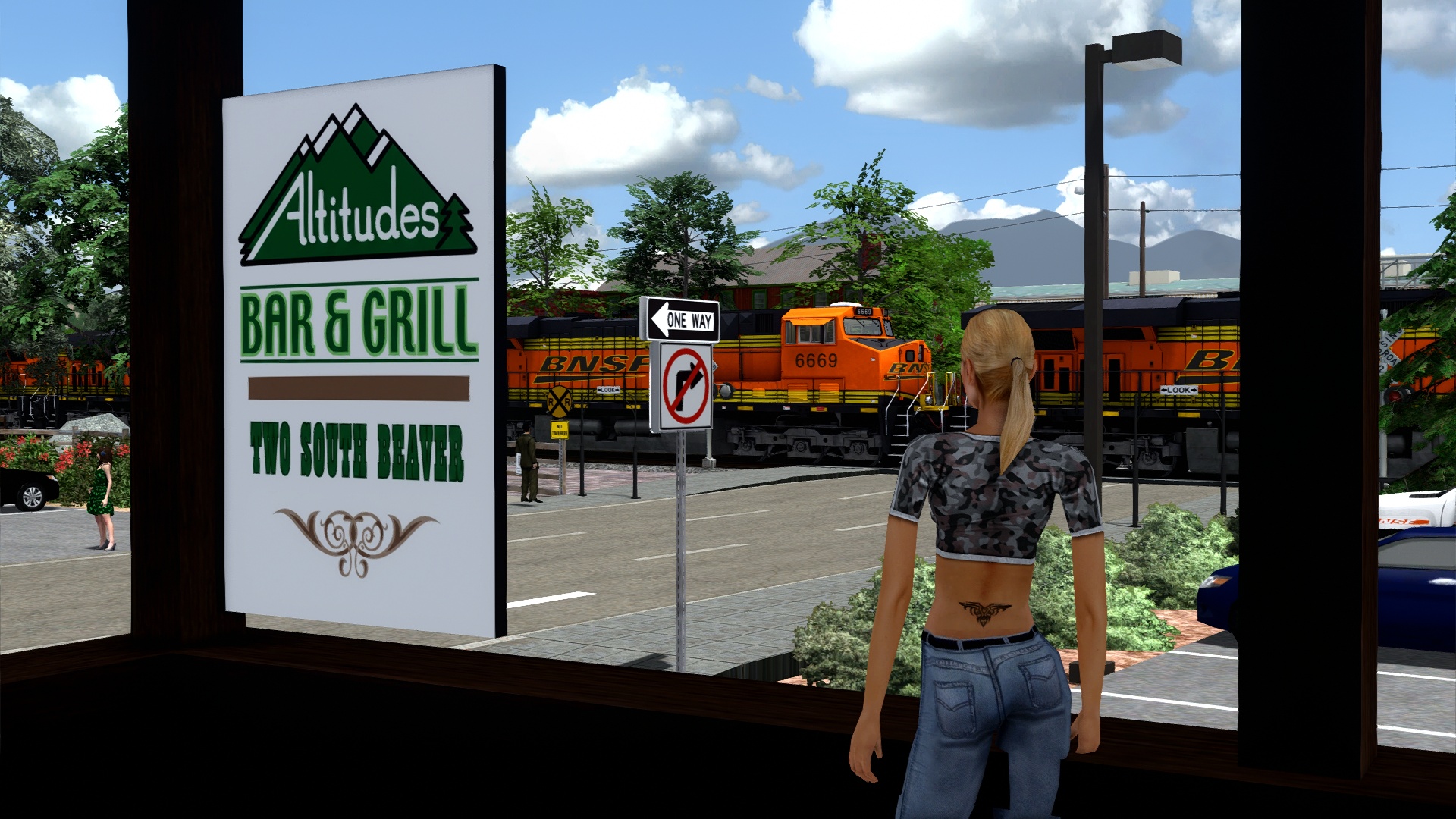
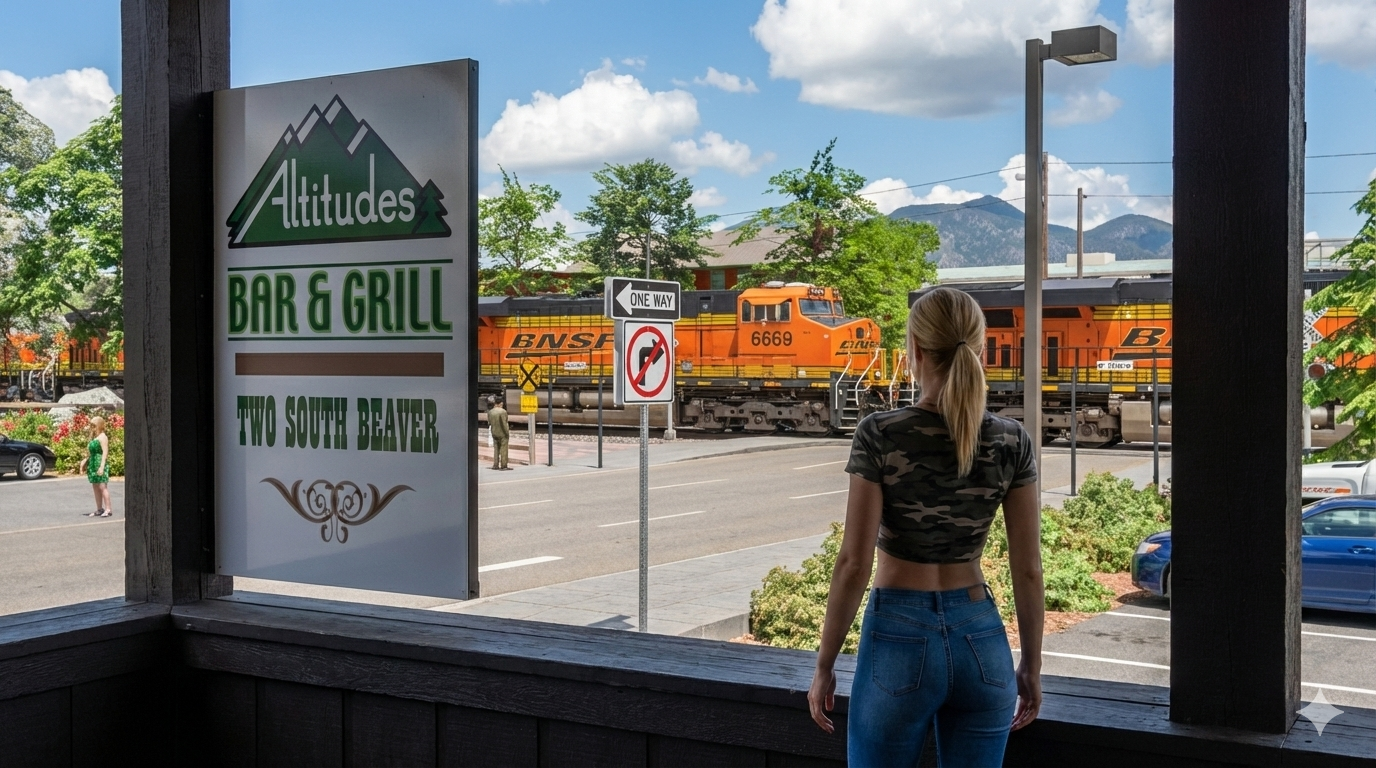
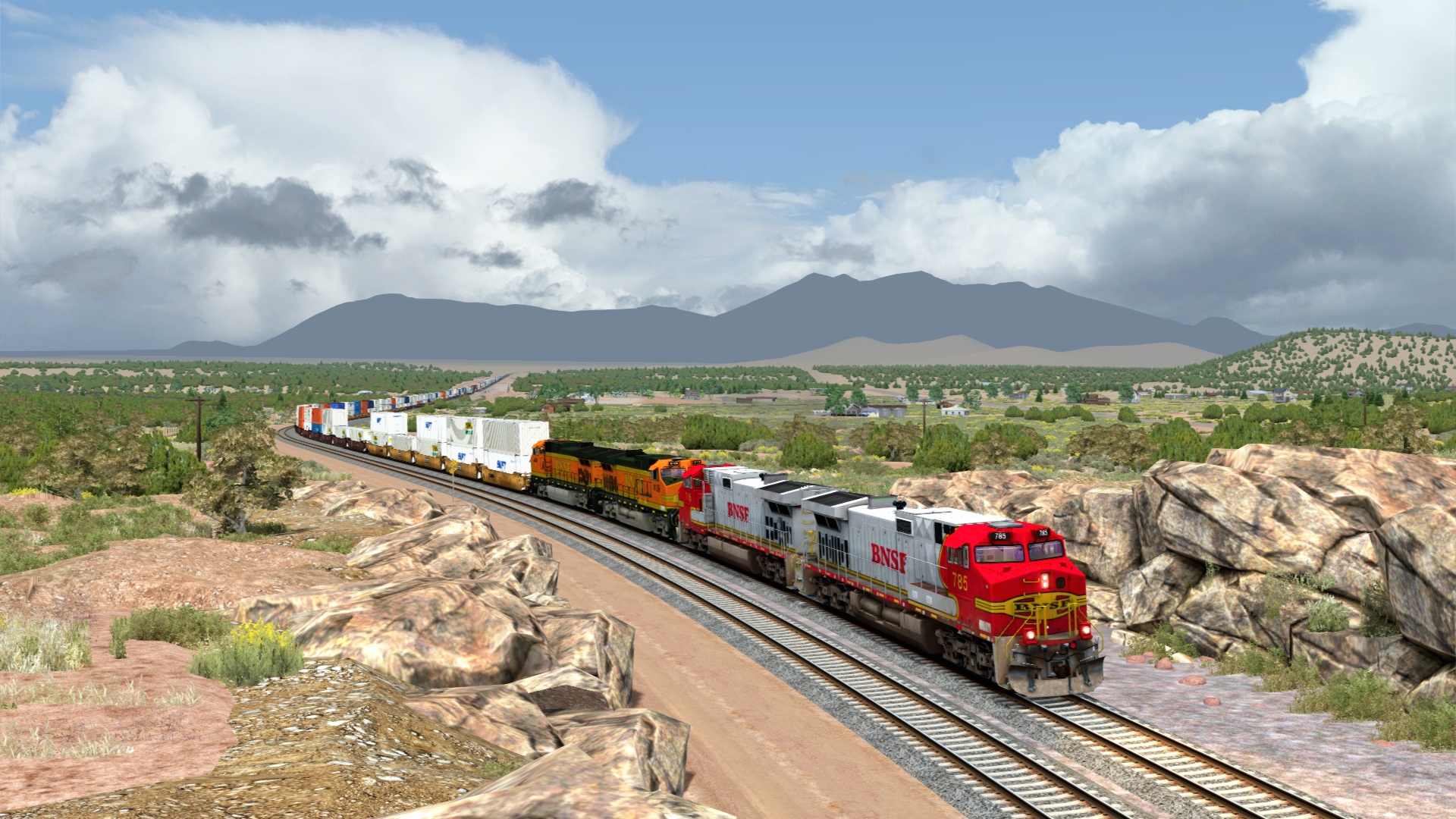
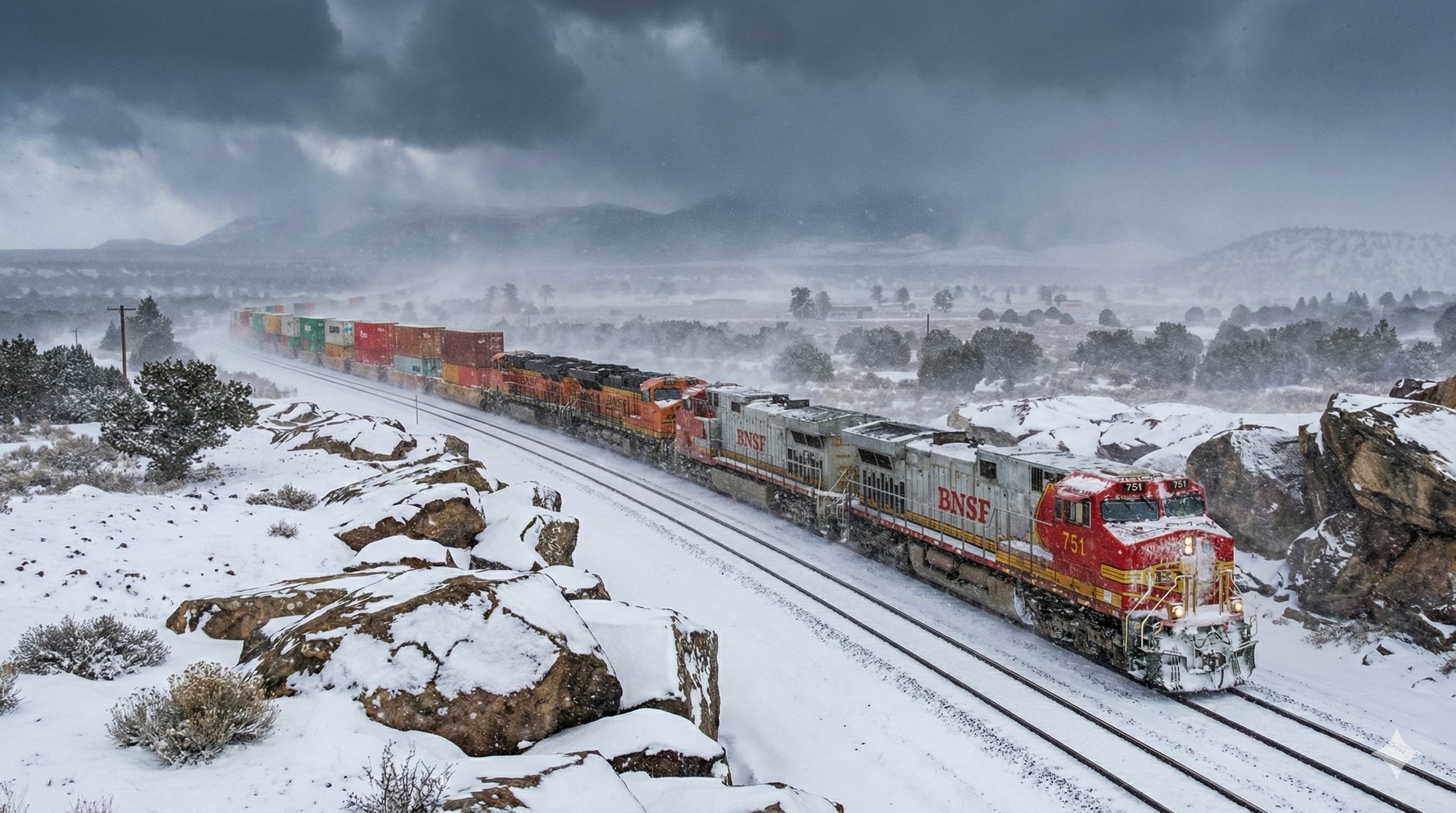
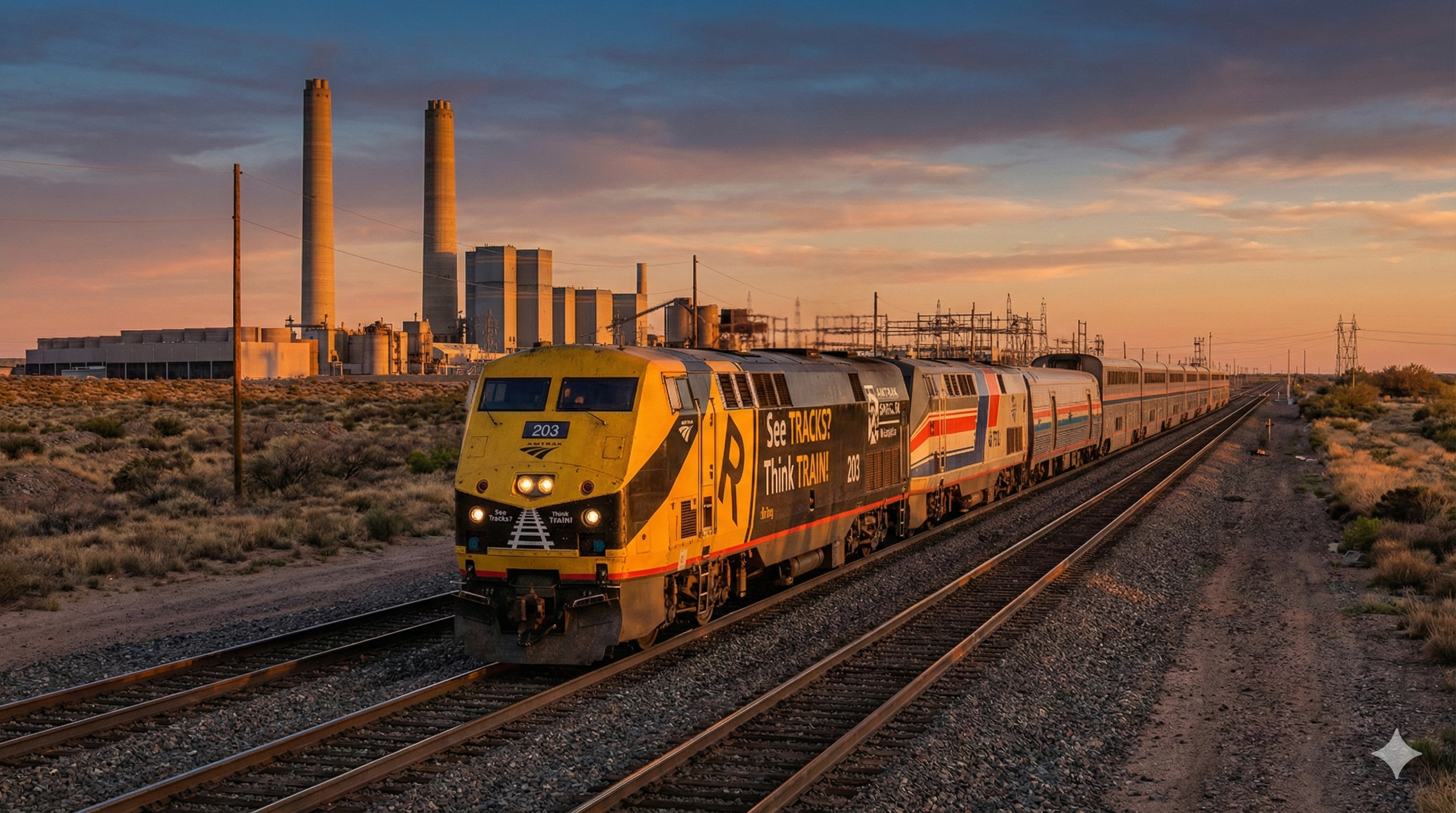
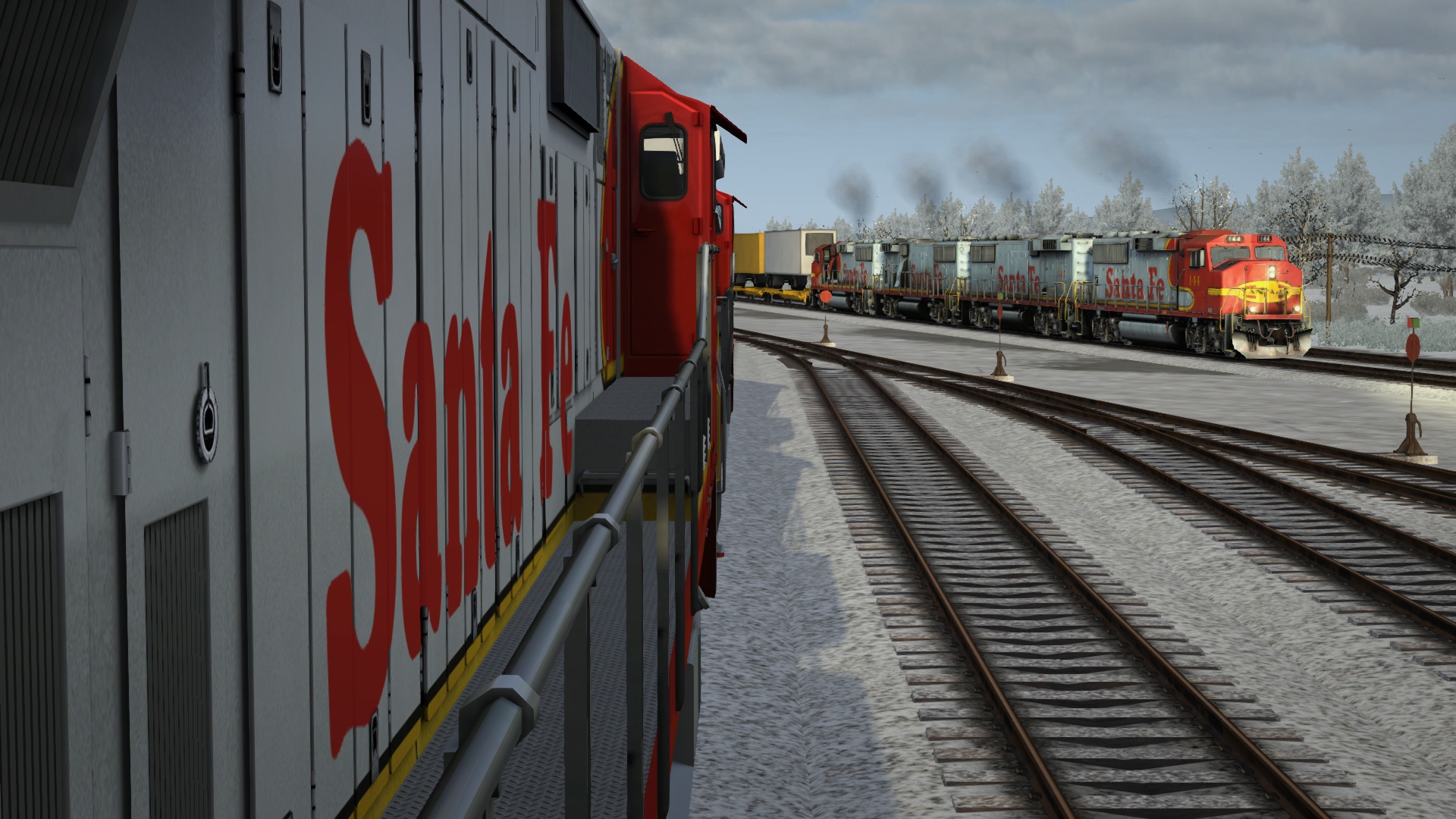
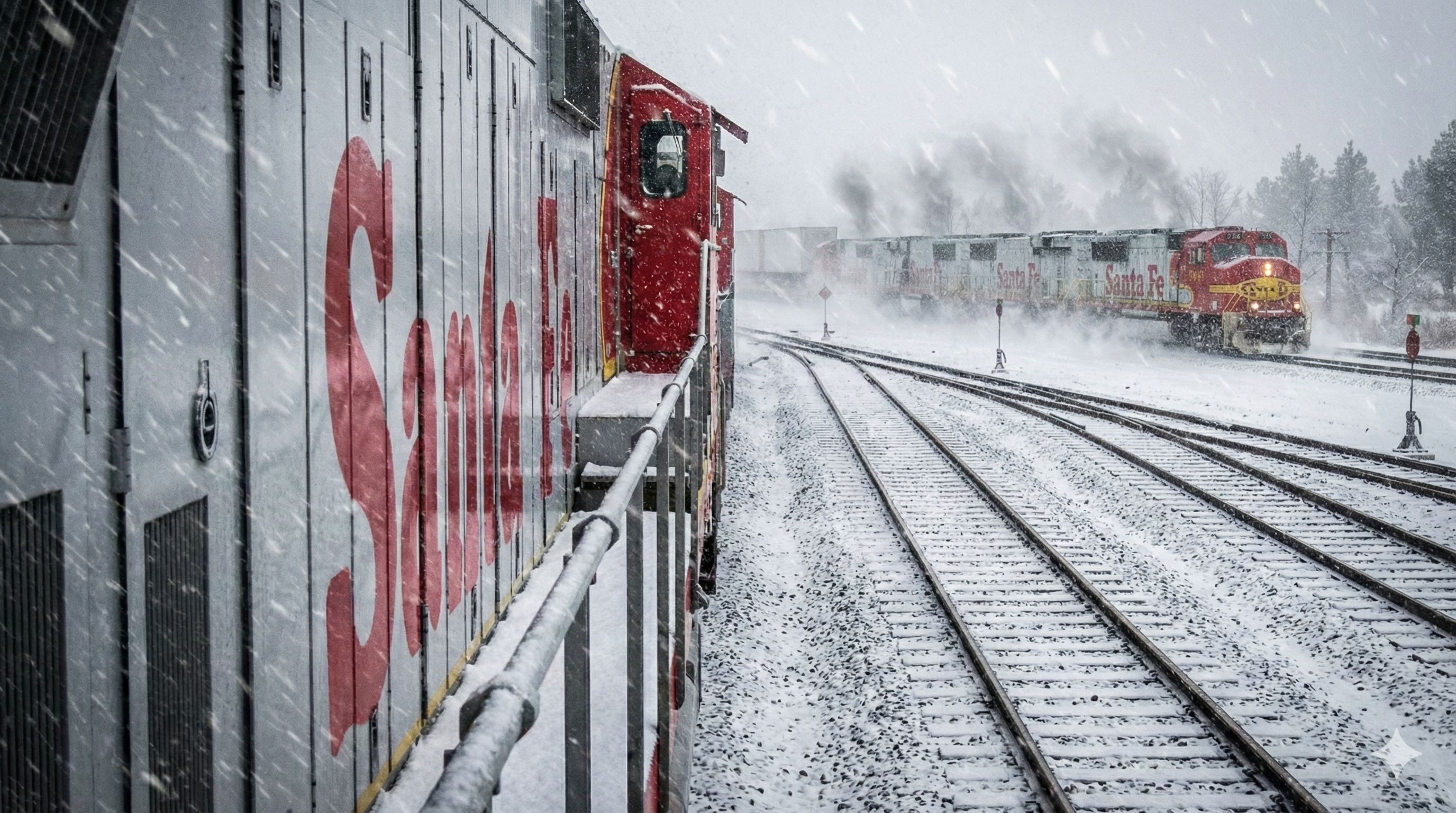
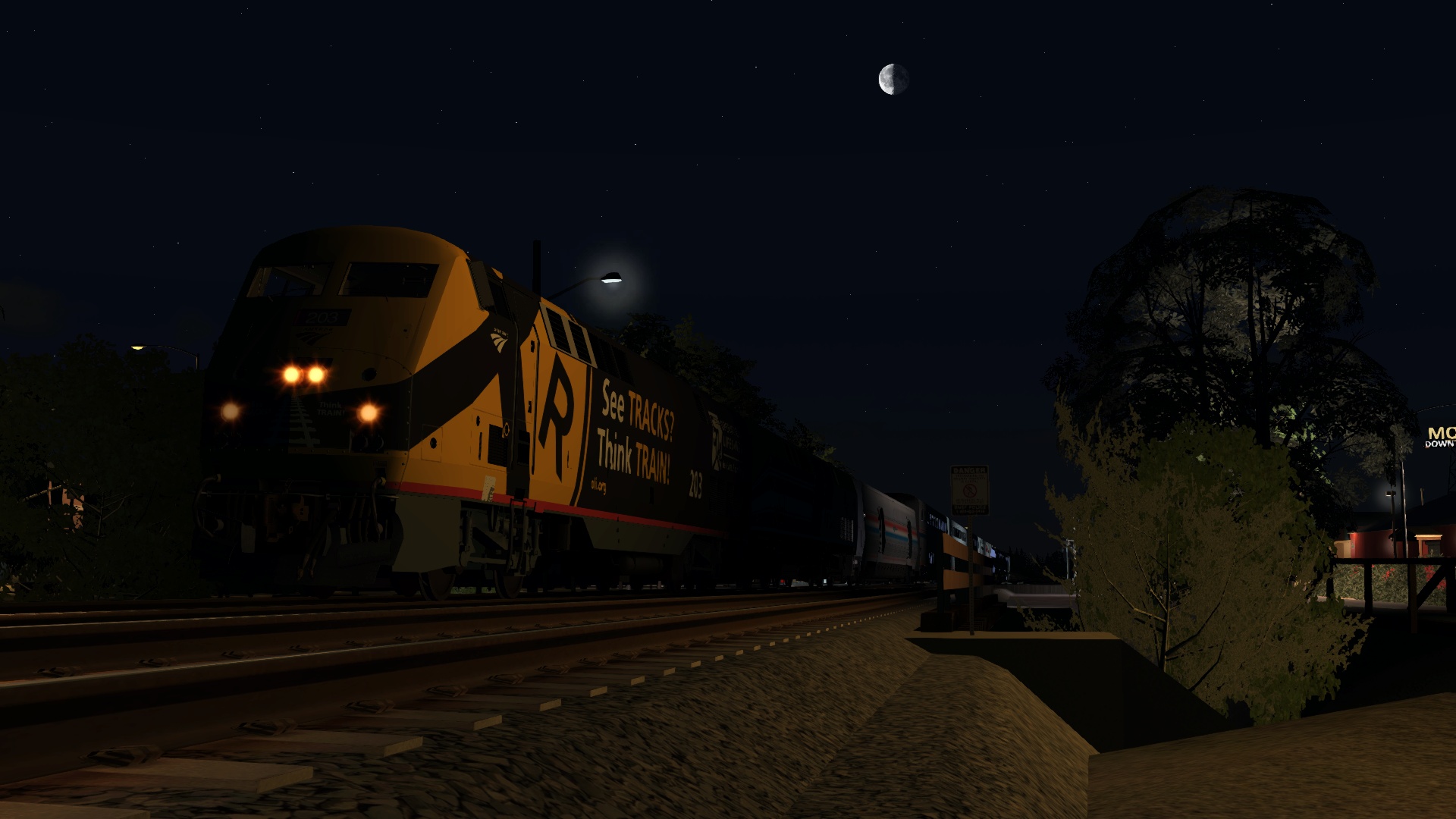
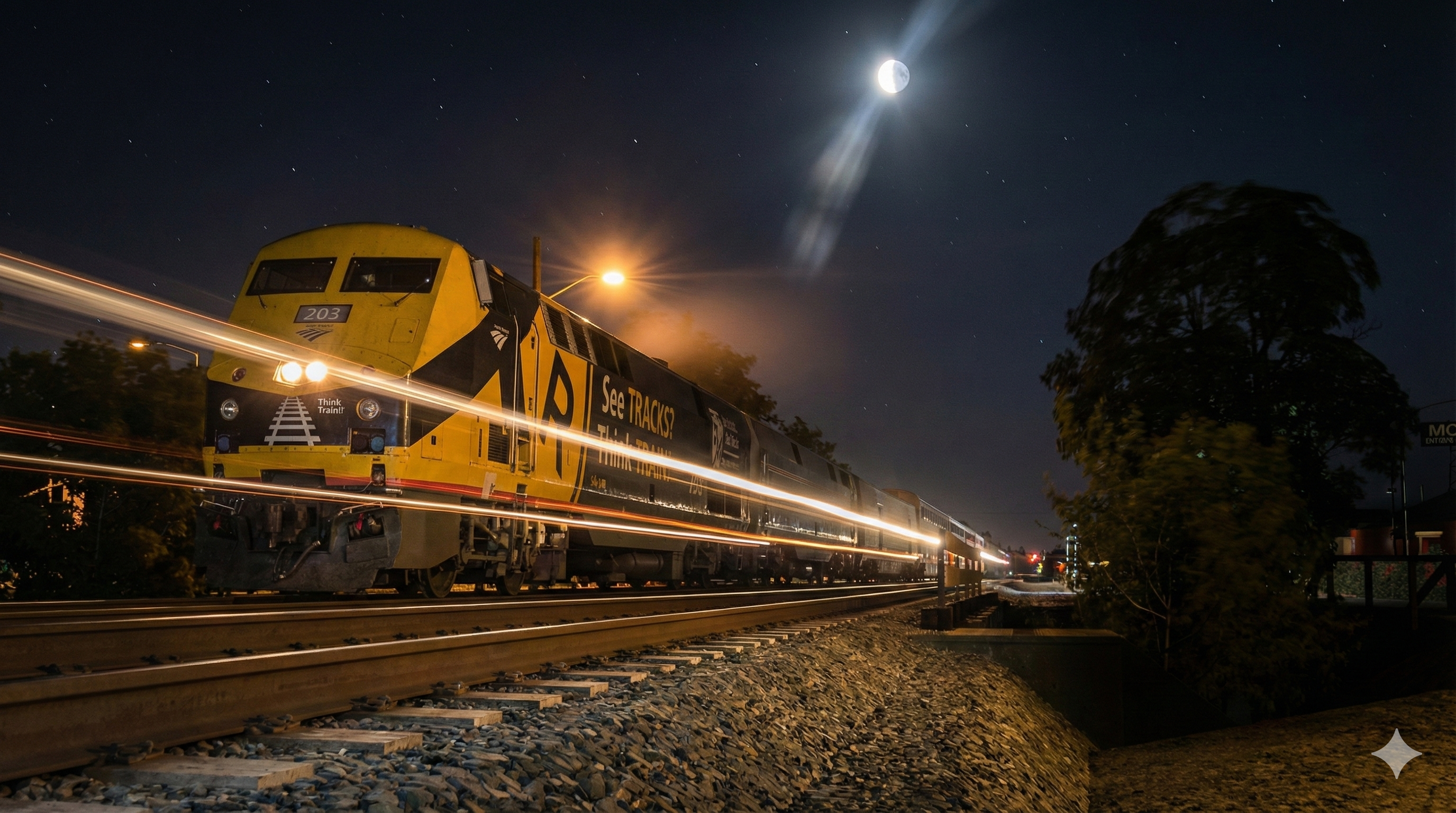
Every now and then I check out the Trainsim.com site and come across something interesting that catches my attention and I dig into it a bit further. In this case there is a recent thread on screenshots redone with Google Gemini. Given that my Sechelt & North Coast Railway route is 100% fictional I was curious to see how this would work and set about using the script posted on Trainsim.com to do this. The results were impressive but not quite exactly what I expected, but pretty compelling. The two images are from previously unedited recent screenshots I have posted elsewhere in the forum previously viewtopic.php?f=7&t=28226#p288867 . There are limits to how much of this stuff you can try daily but here are my first few attempts out of curiosity. Interesting and almost scary in some respects as to how real it looks.
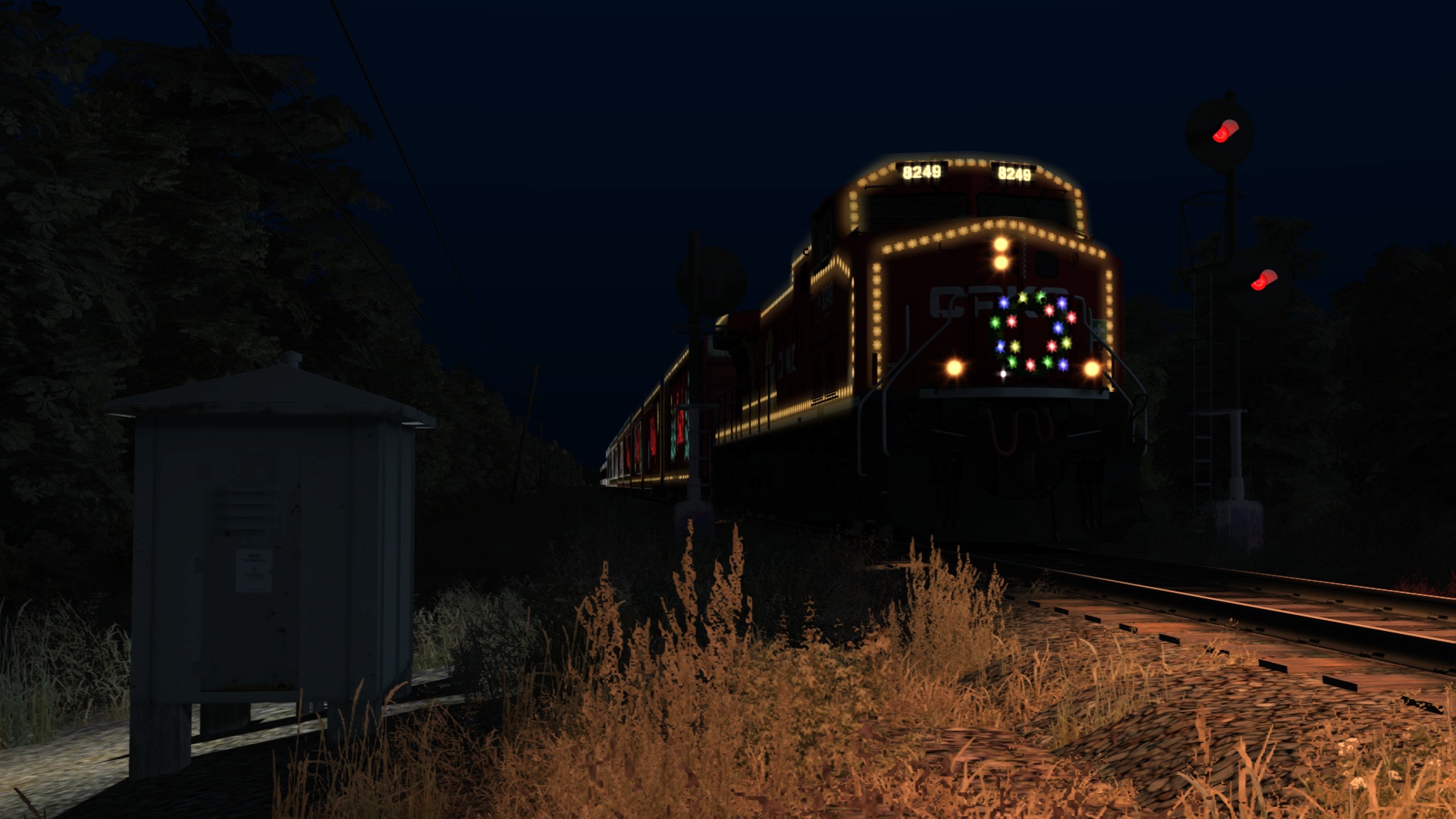
SCOL01AI.jpg

SCOL02AI.jpg

Re: Screenshots Redone With Google Gemini

Unread postPosted: Fri Jan 30, 2026 12:19 am
by ENR3005
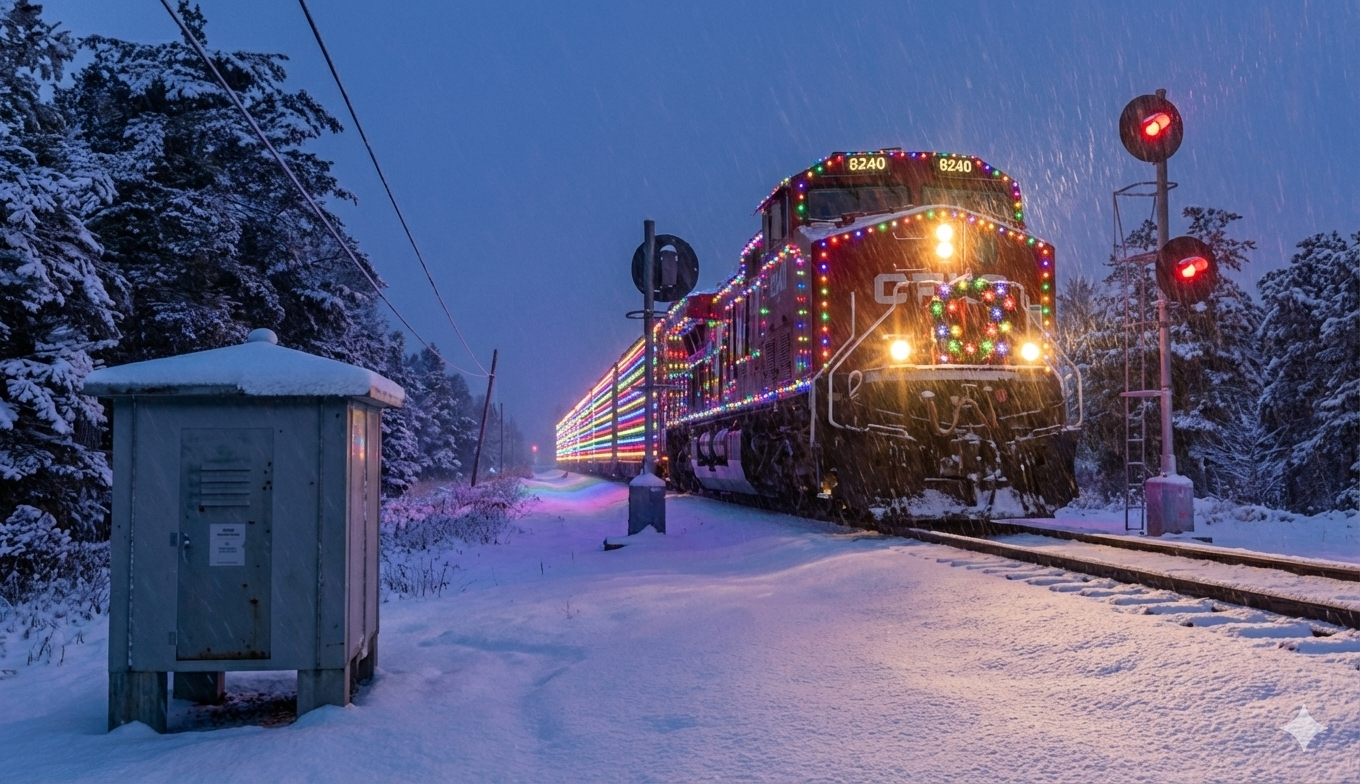
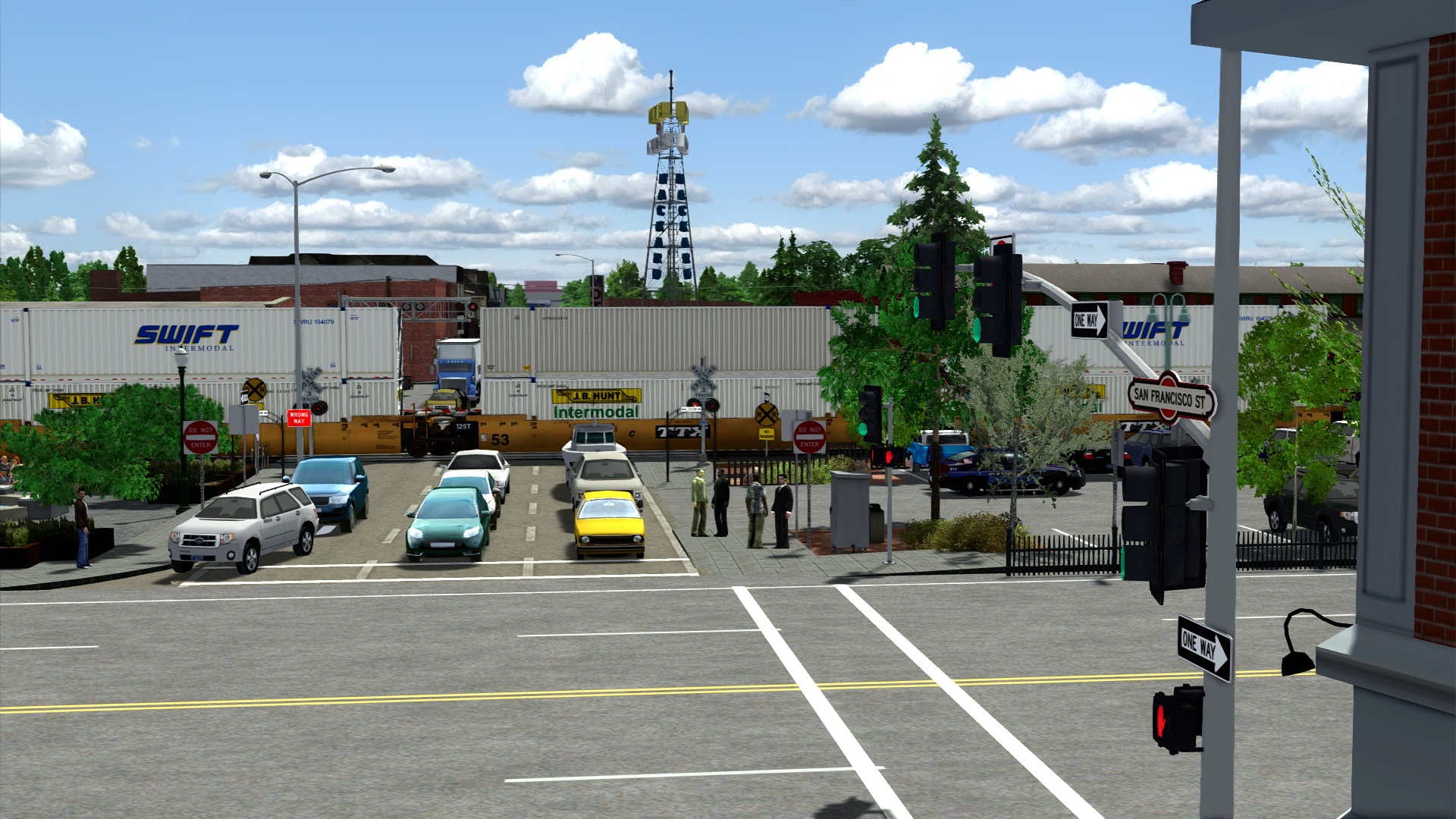
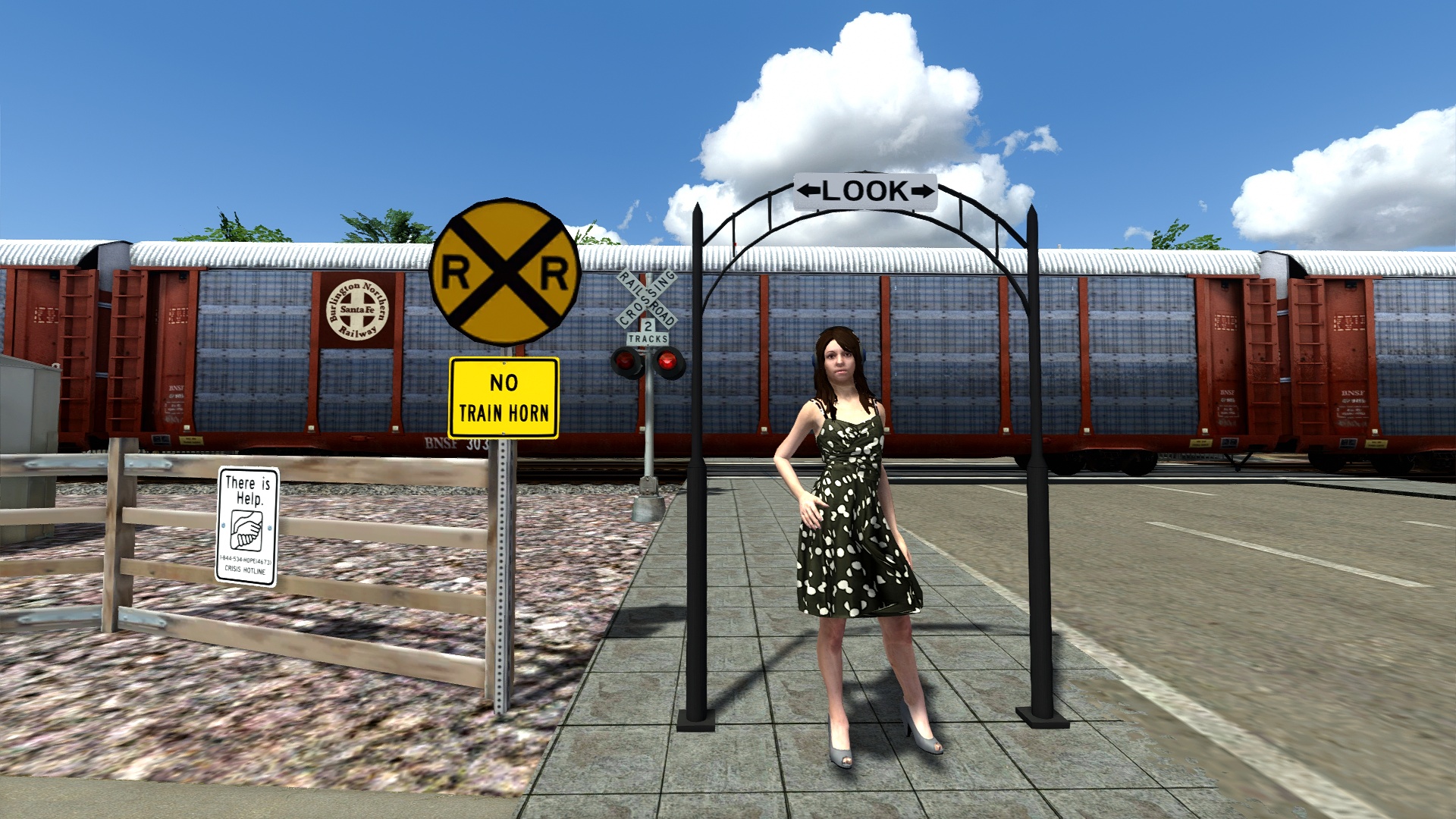
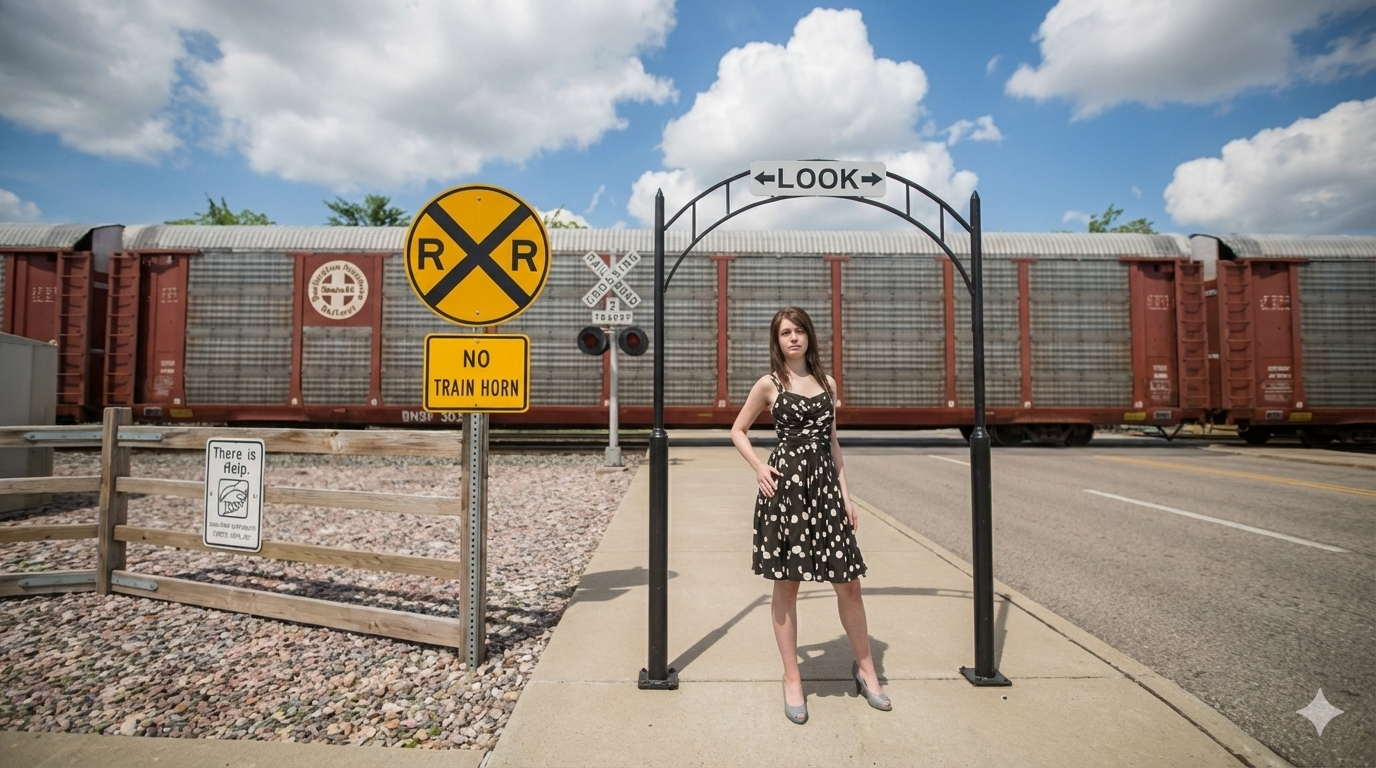
Tried a little playing with this tool again tonight. Apparently you can no longer do images that have any logo in it, it won't process the image even if it is your own artwork as is the case here, hence my image selection for this experimental image. This one turned out pretty good, matching the old screenshot I used.

Re: Screenshots Redone With Google Gemini

Unread postPosted: Fri Jan 30, 2026 12:40 pm
by Chacal
Nice. What do you mean by "redone"? What does AI do?

Re: Screenshots Redone With Google Gemini

Unread postPosted: Fri Jan 30, 2026 2:36 pm
by AmericanSteam
What instructions do you give Gemini? Do you copy and paste the original screenshot then add instructions?

Re: Screenshots Redone With Google Gemini

Unread postPosted: Fri Jan 30, 2026 4:00 pm
by Fey96
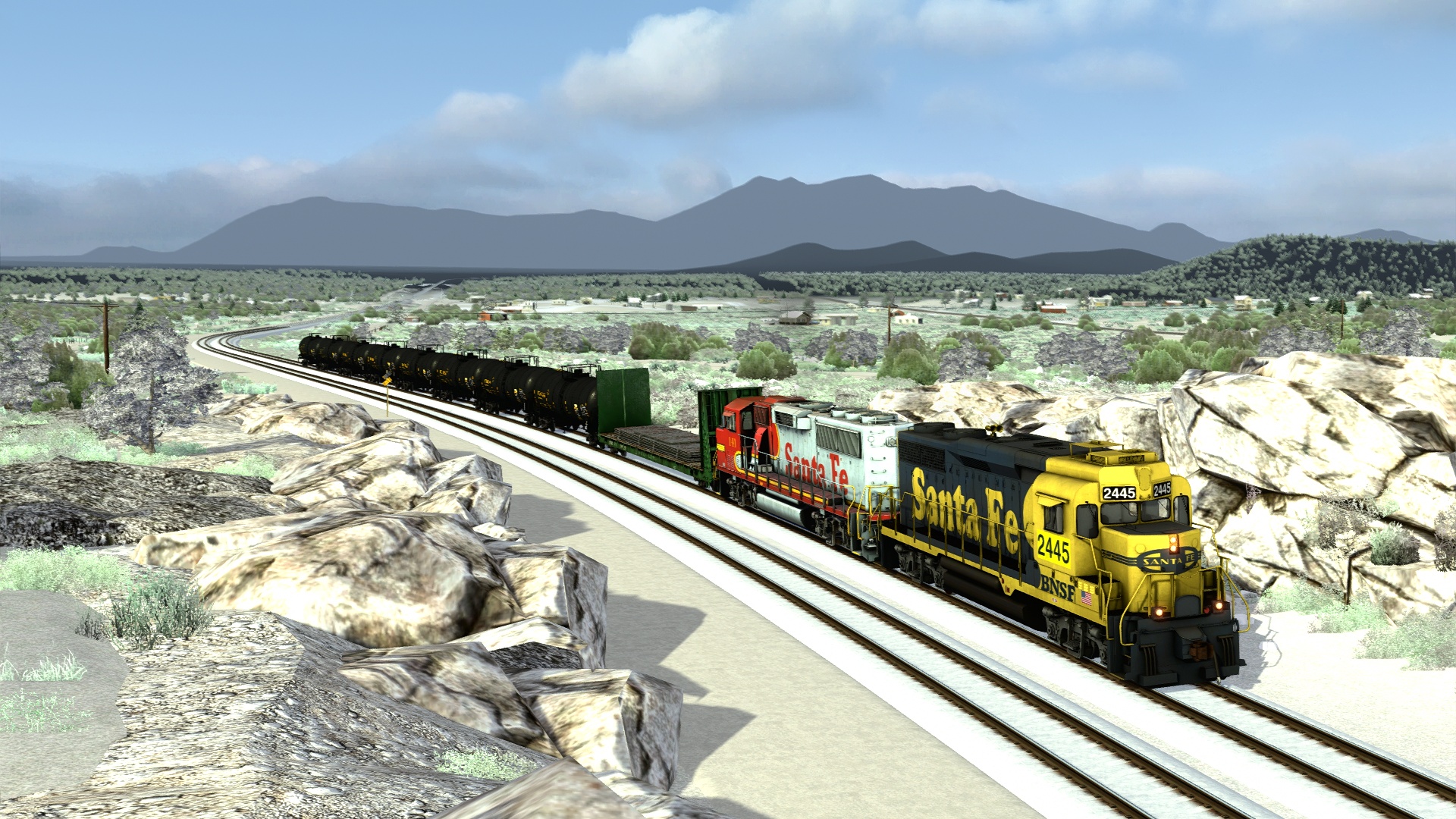
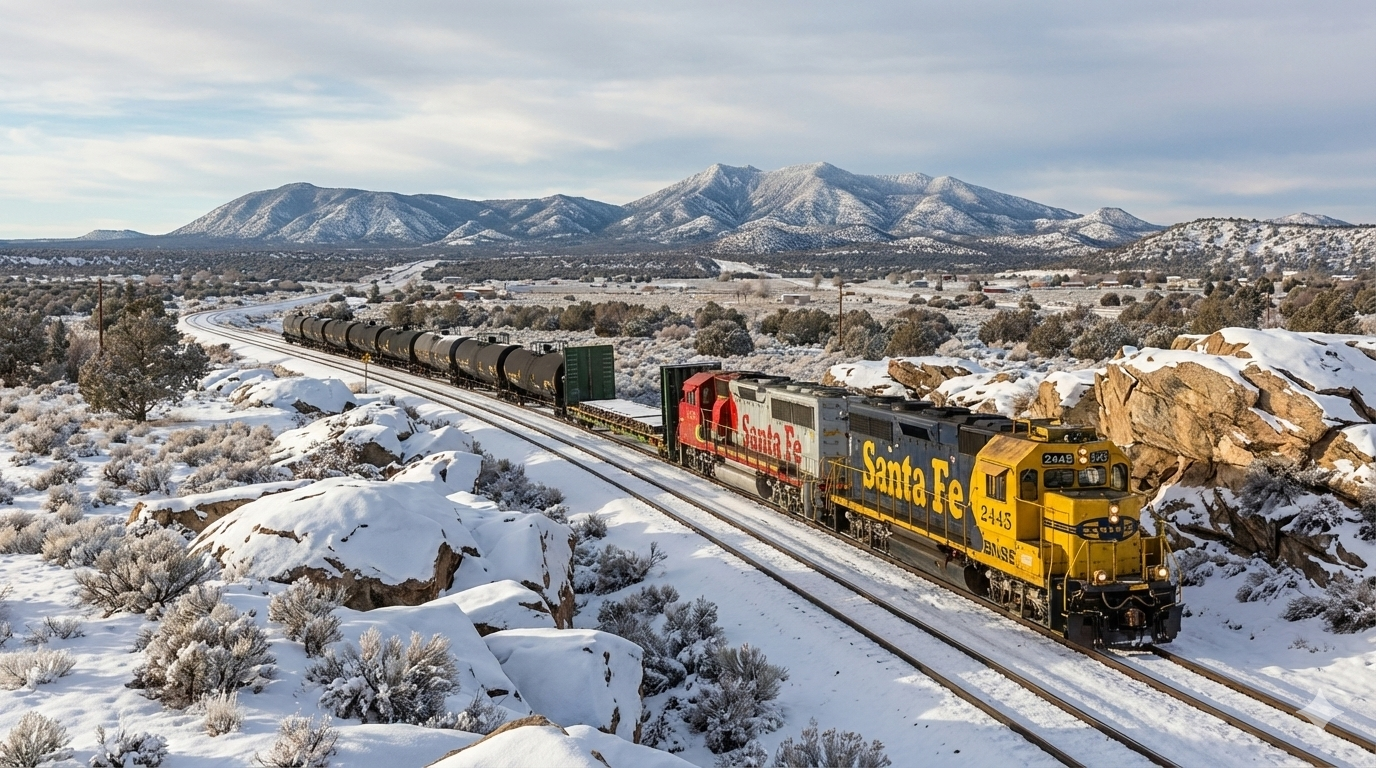
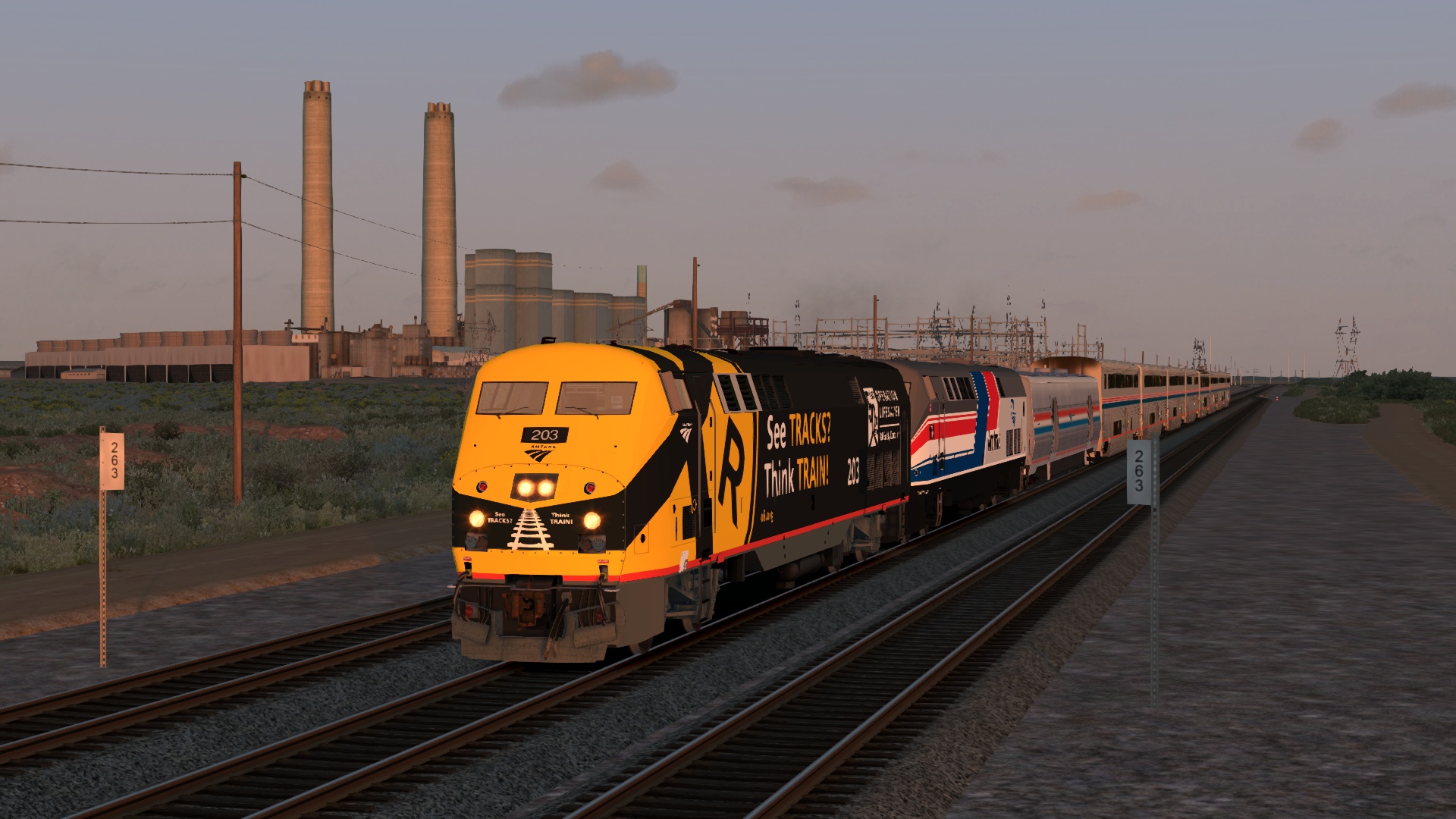
I've wrangled a number of impressive TSC conversions through Gemini, some more convincing than others. Base screenshot vs. their AI counterpart:

Image
Image

Image
Image

Image
Image

Image
Image

Image
Image

Image
Image

Image
Image

Image
Image

Image
Image

Image
Image

Image
Image

Image
Image

Image
Image

Re: Screenshots Redone With Google Gemini

Unread postPosted: Fri Jan 30, 2026 6:53 pm
by AmericanSteam
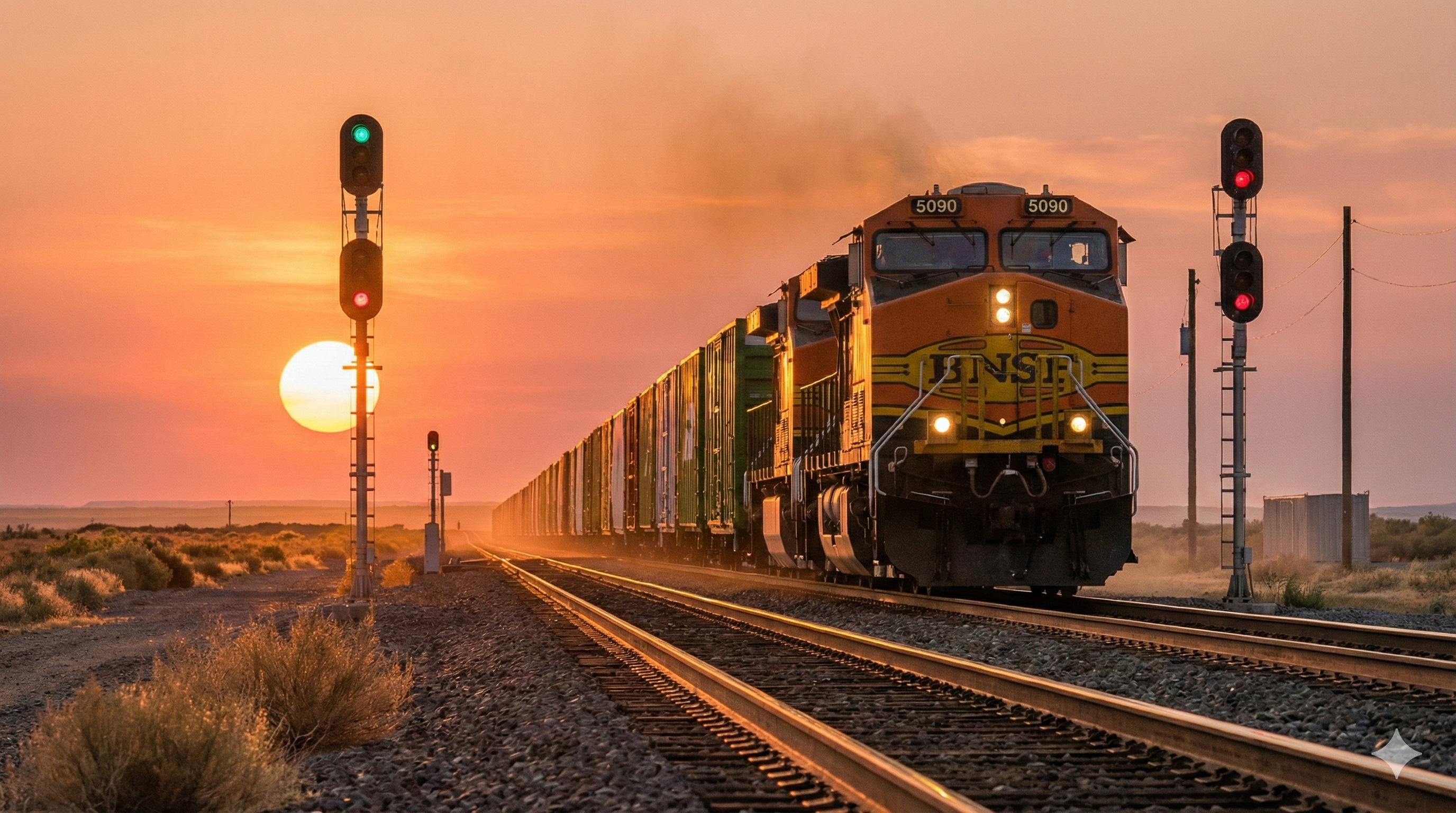
This was my first attempt with Chat GPT Prompts were DSLR quality, dramatic sky, and photo-realistic.

Re: Screenshots Redone With Google Gemini

Unread postPosted: Fri Jan 30, 2026 7:30 pm
by ENR3005
Chacal wrote:Nice. What do you mean by "redone"? What does AI do?


You instruct AI to make the screenshot look life like. It then re-edits the screenshots based on the instructions you provide. There was a news story a while back that got a lot of attention where AI was asked to make a image of the Simpsons cartoon characters look like real people which it did, this process is no different.

Re: Screenshots Redone With Google Gemini

Unread postPosted: Fri Jan 30, 2026 7:58 pm
by ENR3005
AmericanSteam wrote:What instructions do you give Gemini? Do you copy and paste the original screenshot then add instructions?


I upload the screenshot, put Gemini in thinking mode and paste the following as instructions noted below. It seems to work most of the time however I have a fair amount of fails which I cannot figure out and thought may be related to logos from what I read however tonight's work attached proves otherwise and would not process any with logos last night. Still trying to figure this out.

Paste the following instructions below in thinking mode:

"Make this screenshot appear real (like it was taken with a DSLR camera). Do not change the type of train, shape of the locomotive, or paint scheme of the trains featured. You may adjust the items featured in the landscape, as long as you maintain the original setup of the image. Adjust lighting as needed to make the screenshot to make it look more realistic as needed."

Re: Screenshots Redone With Google Gemini

Unread postPosted: Tue Feb 03, 2026 1:26 pm
by ENR3005
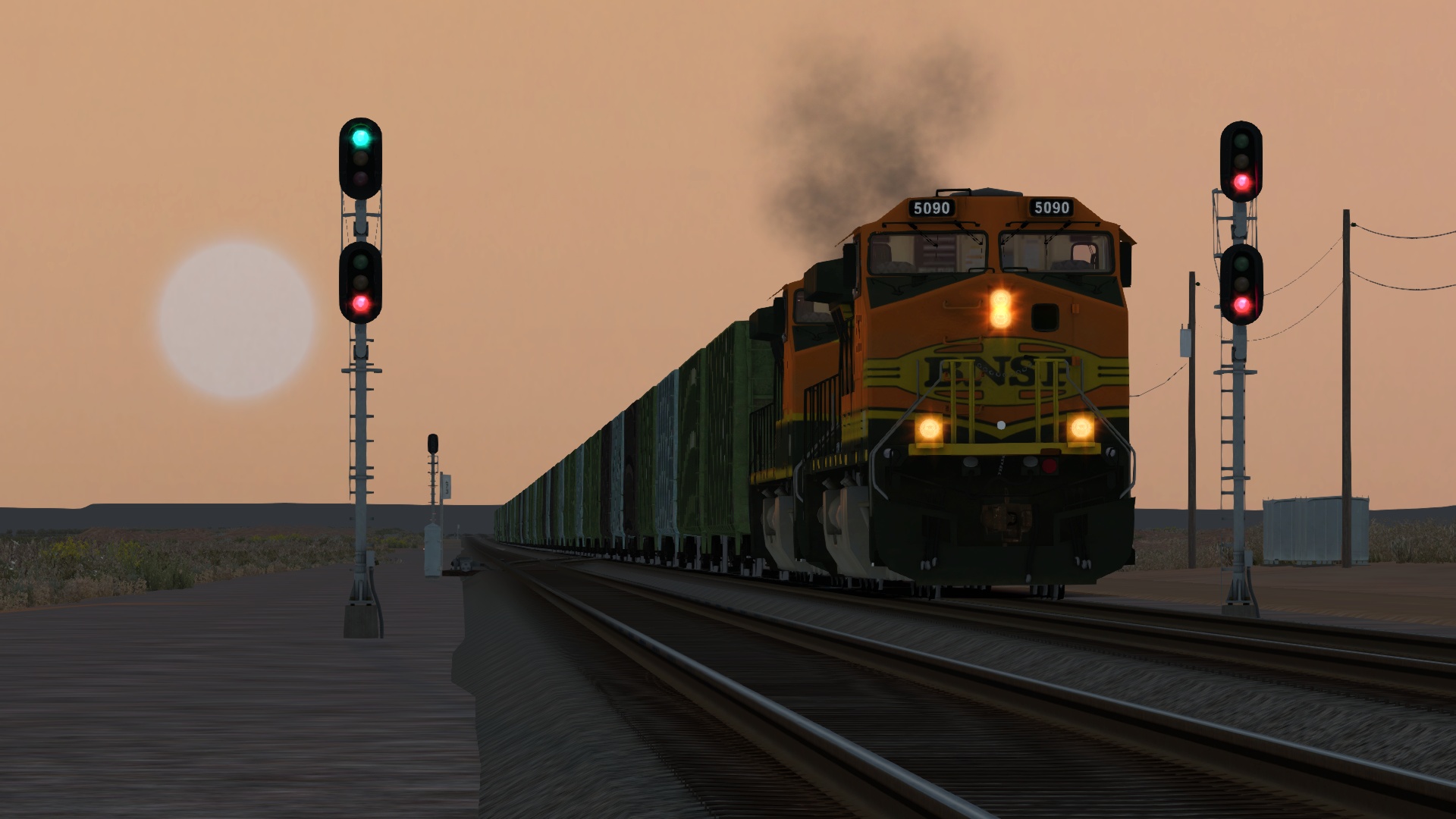
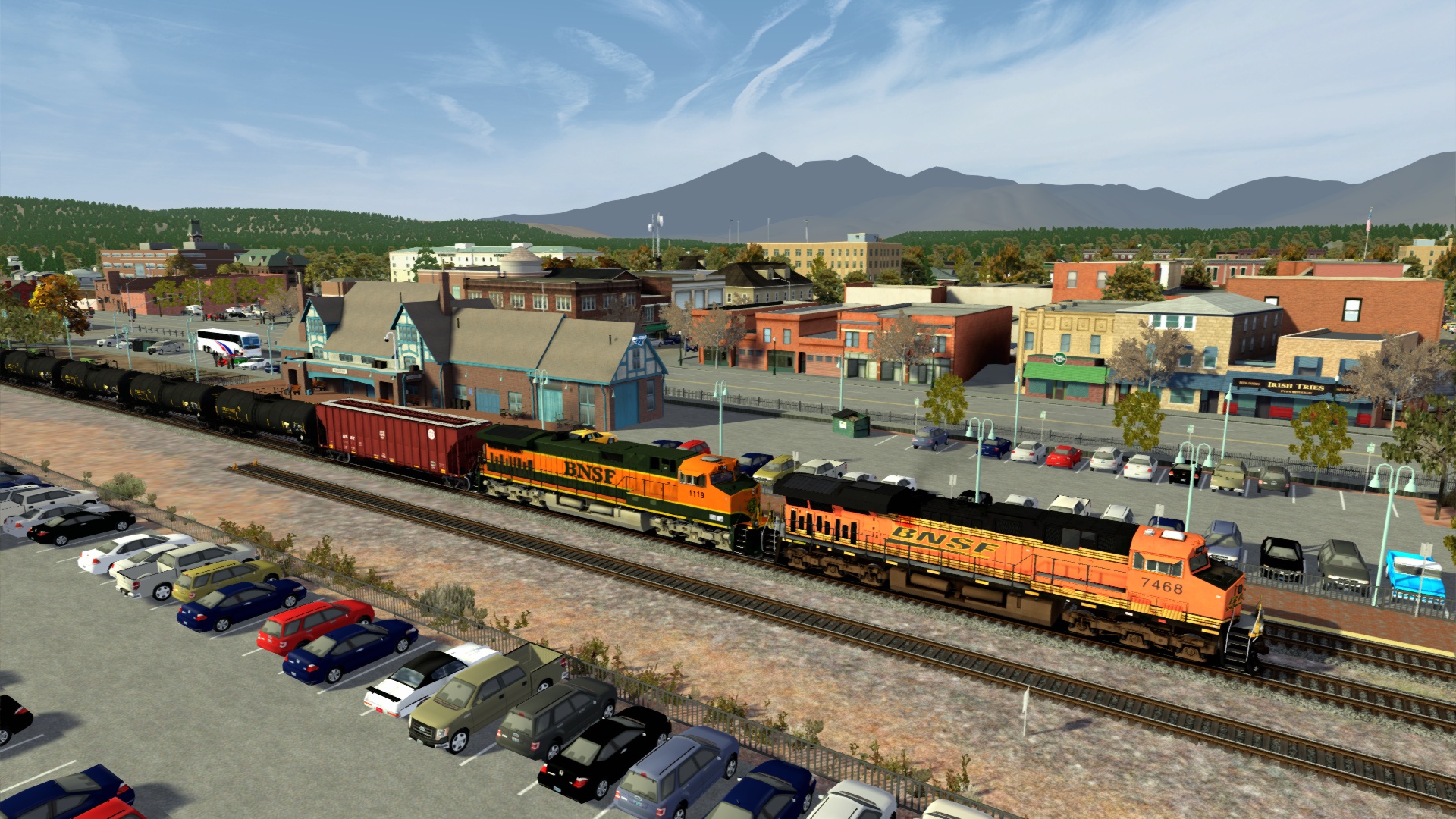
Some new ones I tried. I was especially impressed with what it did with my screenshot of the trestle even though it messed up the water height compared to the original screenshot.

Re: Screenshots Redone With Google Gemini

Unread postPosted: Tue Feb 03, 2026 5:23 pm
by august1929
It is pretty amazing...One from the opposite side of the Pond - from a very detailed TS Classic route as it is...

Image

Image

Rod

Re: Screenshots Redone With Google Gemini

Unread postPosted: Tue Feb 03, 2026 8:19 pm
by AmericanSteam
excellent. I wish we could run the game through Gemini.

Re: Screenshots Redone With Google Gemini

Unread postPosted: Tue Feb 03, 2026 8:49 pm
by RudiJaeger
AmericanSteam wrote:excellent. I wish we could run the game through Gemini.

My thoughts exactly *!lol!*

ENR3005, I hope you don't mind, but based on your content, I started a thread in the screenshots section just for ai-enhanced screenshots from all our members: viewtopic.php?f=10&t=28434

Thanks for the inspiration; I think you've sparked a new genre at RWA !!*ok*!!